

Your Own Booking Calendar
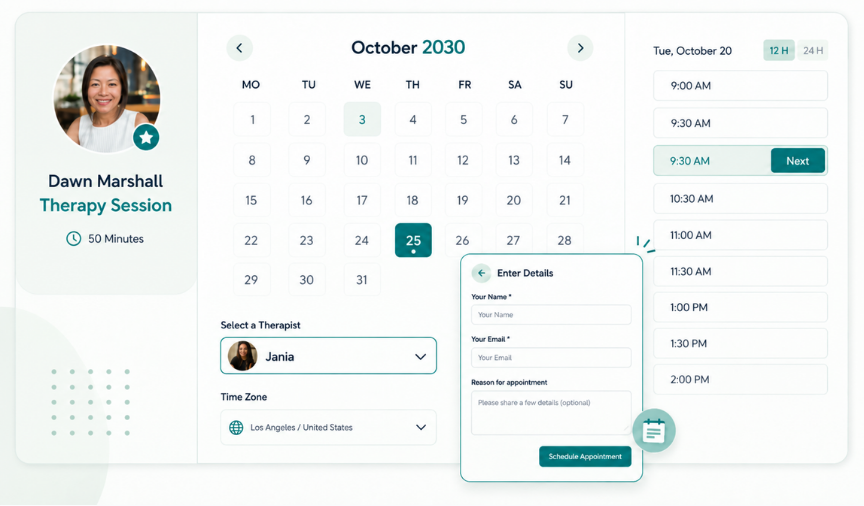
Let clients book directly from your profile, website, or booking link, with no limit on the number of appointments you can accept.
Flexible Availability
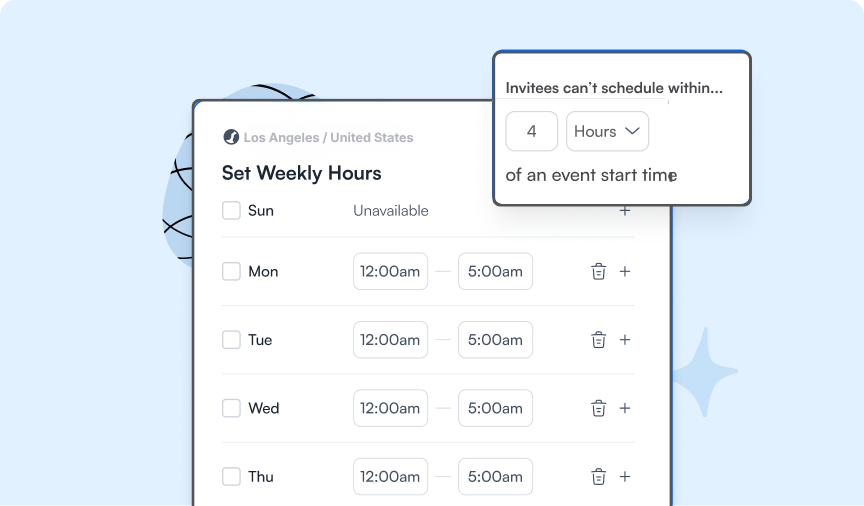
Set default hours or create different hour sets that you can easily switch between for things like shortened workweeks, split-service days, different locations, or specific services. Add breaks, buffers, and booking windows to fit your schedule.
Multiple Services
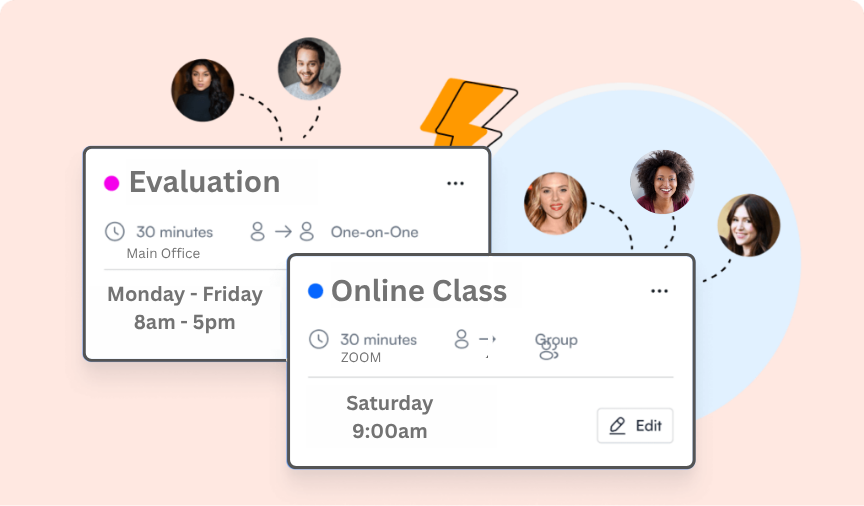
Offer as many services as you need, each with its own appointment duration, availability, and location.
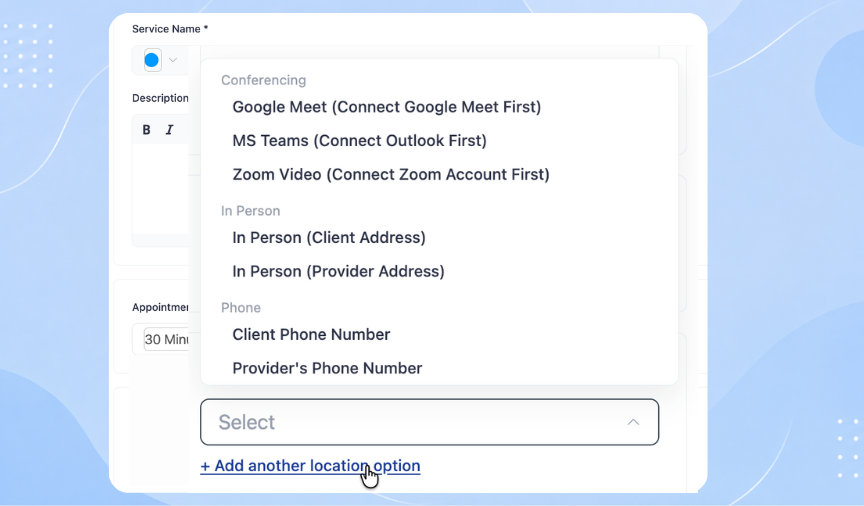
Appointment Locations
Offer appointments wherever and however you choose, including at your office, your client’s location, by phone, or online with options like Zoom.
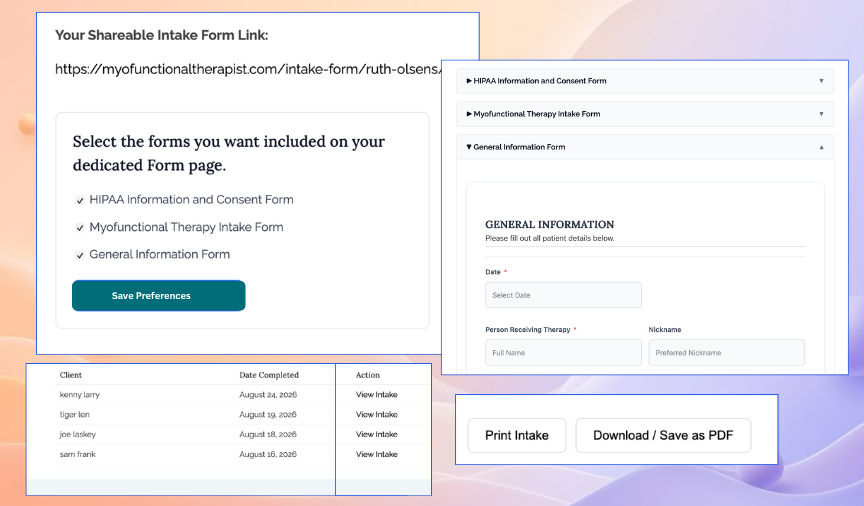
Intake Forms & Documents
Choose from pre-made intake forms or use your own. Clients complete and submit forms online, and submissions are automatically added to your secure intake folder, ready to view, print, or download. Appointment confirmations include a link to your personal intake form page, and you’ll be notified when a form is submitted. You’ll also have a unique link to share your forms directly with clients or anyone who needs to complete them

HIPAA
Designed to meet privacy and HIPAA requirements. Client information is securely stored within your provider portal, where you can access appointment and intake information when you need it. Email notifications contain only essential appointment details and do not include sensitive medical or health information.
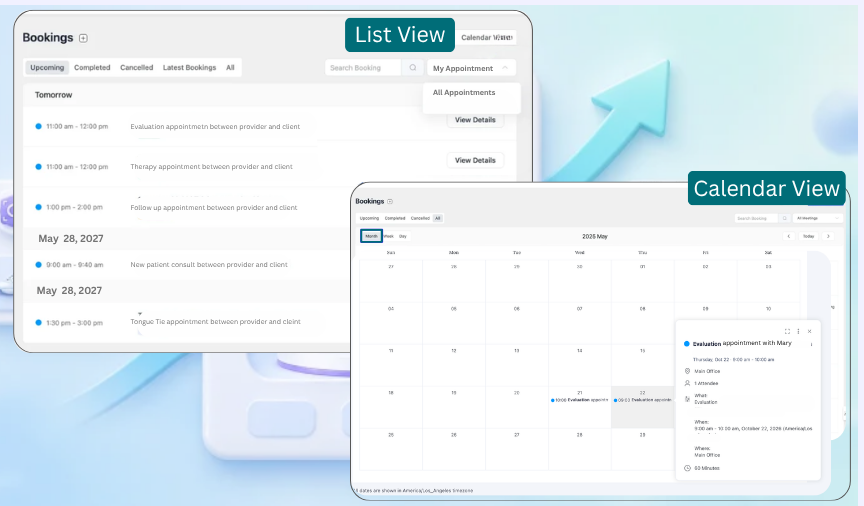
Booking Dashboard
Keep your schedule organized with calendar or list views that make it easy to see upcoming and past appointments.
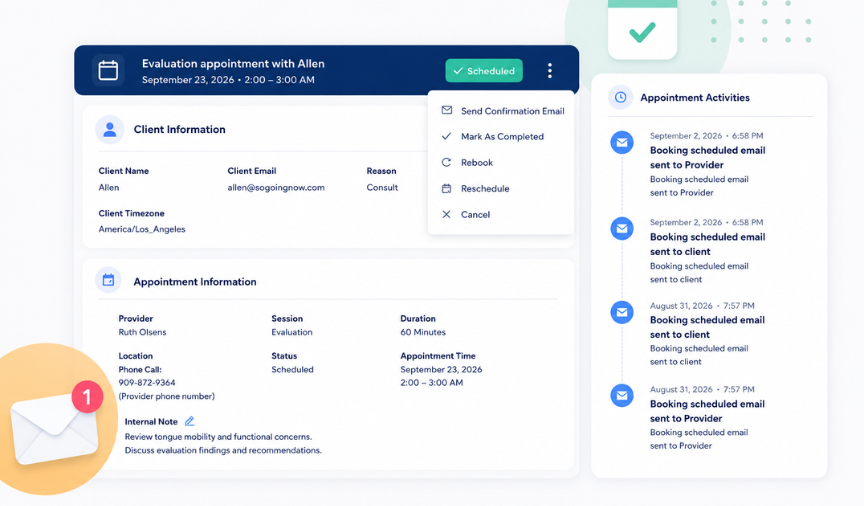
Appointment Management
Manage appointments from one dashboard. View client details, create appointments manually, and easily cancel, reschedule, or rebook appointments in just a few clicks.

Email Notifications
With automatic appointment confirmations, reminders, cancellations, and rescheduling notifications, you and your clients will always stay informed.
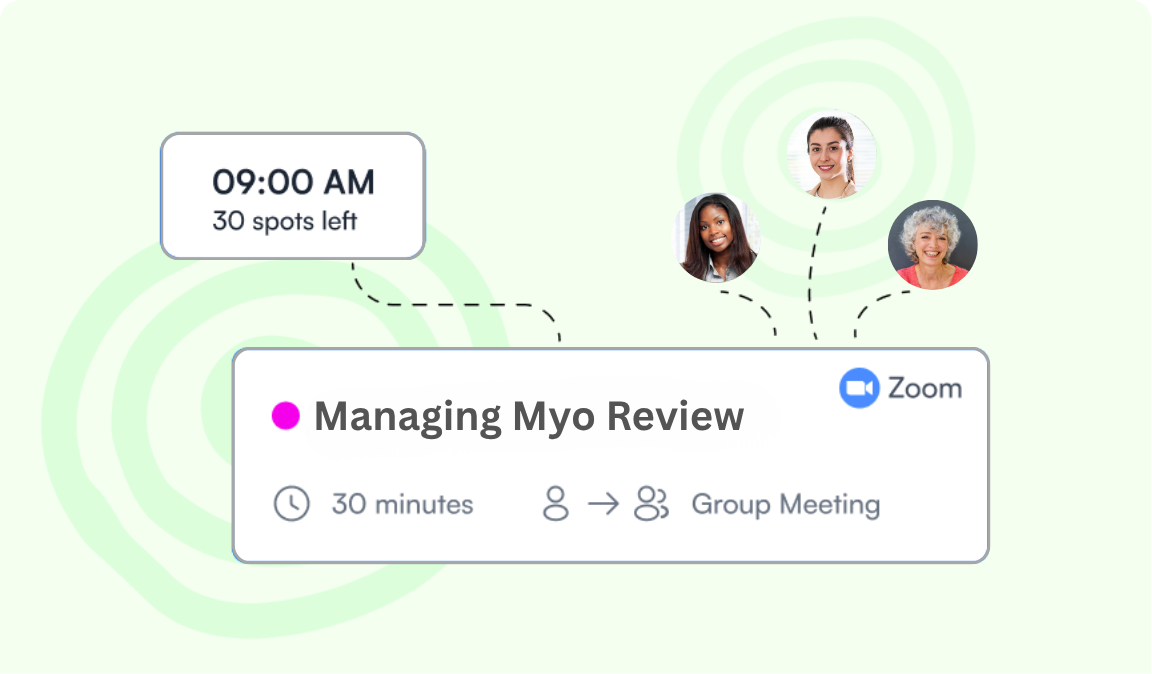
Group Sessions
Offer group sessions, online courses, and workshops with a custom number of available spots.
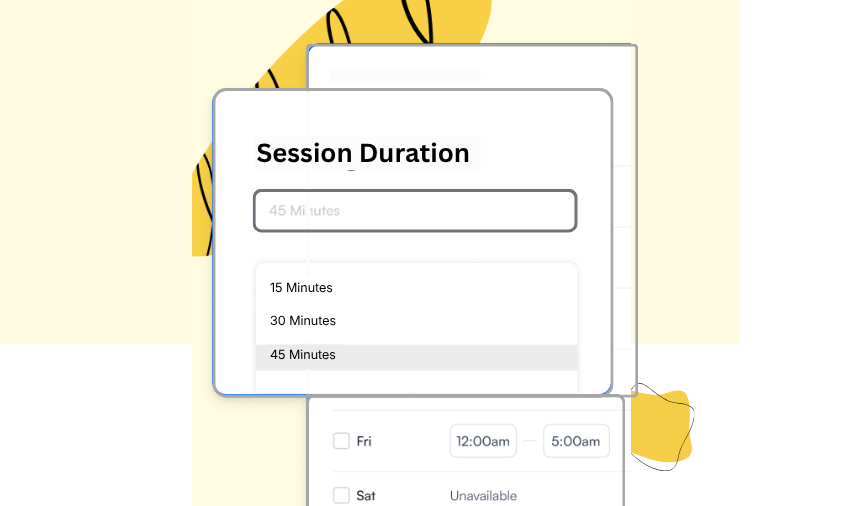
Appointment Durations
Set the appointment length for each service, from quick consultations to longer sessions.
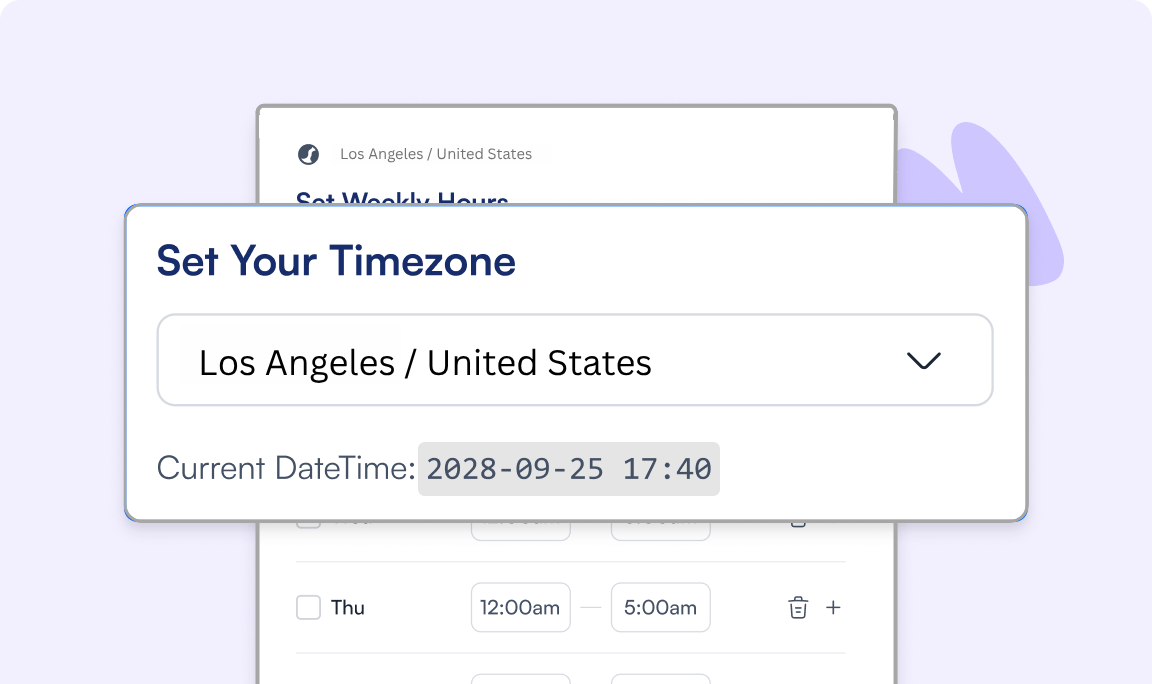
Teletherapy Made Easy
Make scheduling easier for teletherapy with automatic time zone conversion for you and your clients.
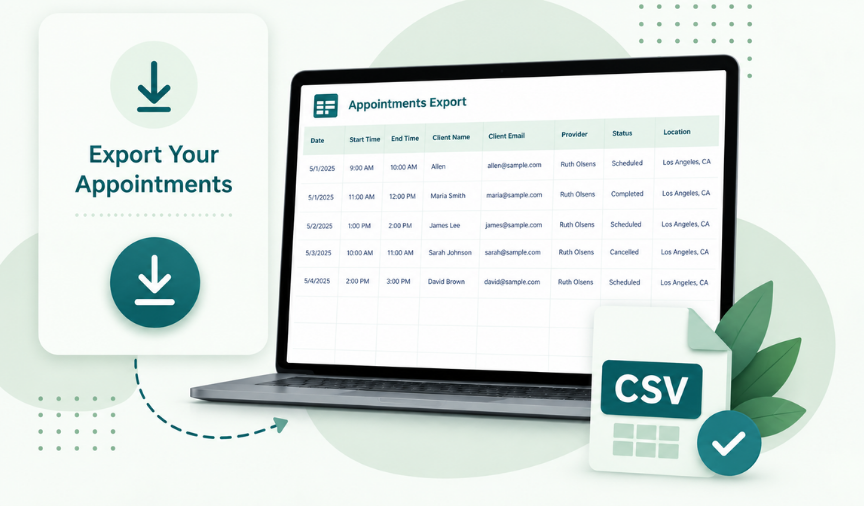
Export Your Appointments
Download your appointments as a CSV file whenever you need them for record keeping, reporting, or reviewing appointment details.
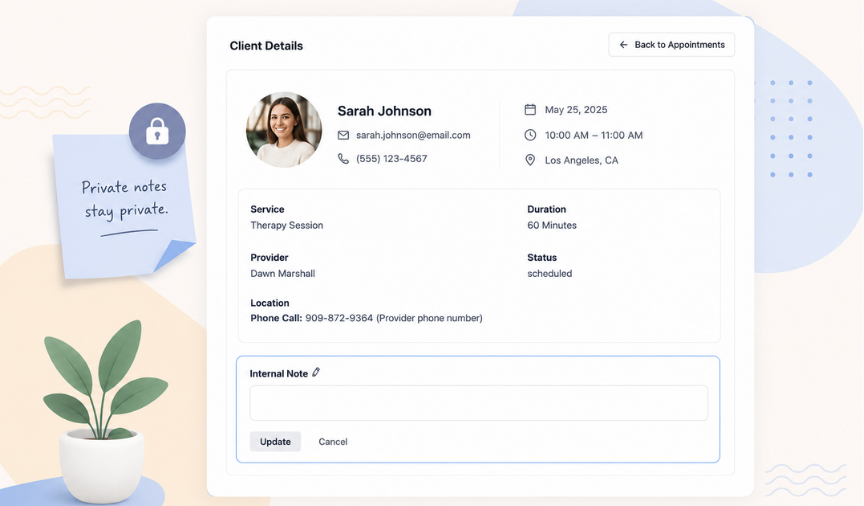
Private Internal Notes
Add private notes to individual appointments for your own reference. Keep important details, follow-up reminders, or notes about the appointment right where you need them.
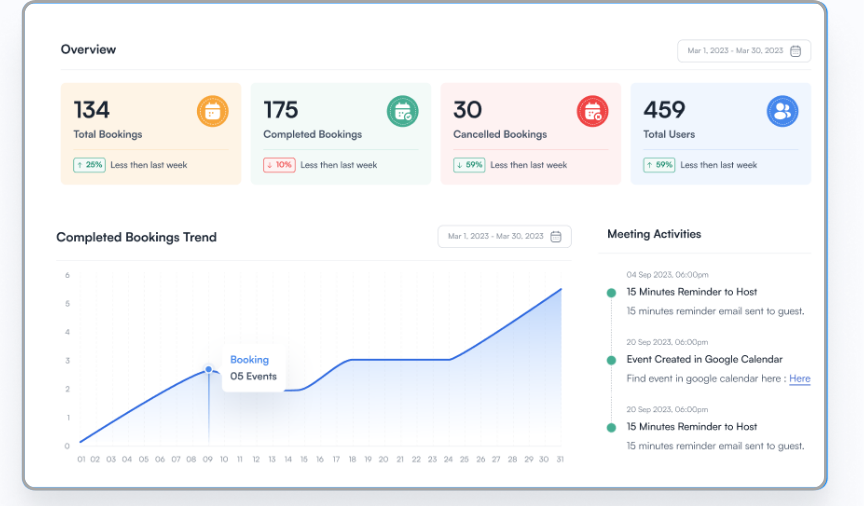
Booking Analytics
See your booking activity at a glance with helpful statistics and trends, including bookings, completed appointments, and cancellations.